Speed isn't just a luxury feature—it's a critical factor in your website's success. If your website is slow, you're losing customers, hurting your search rankings, and damaging your brand reputation. In this post, we'll explore why website speed matters and what you can do about it.
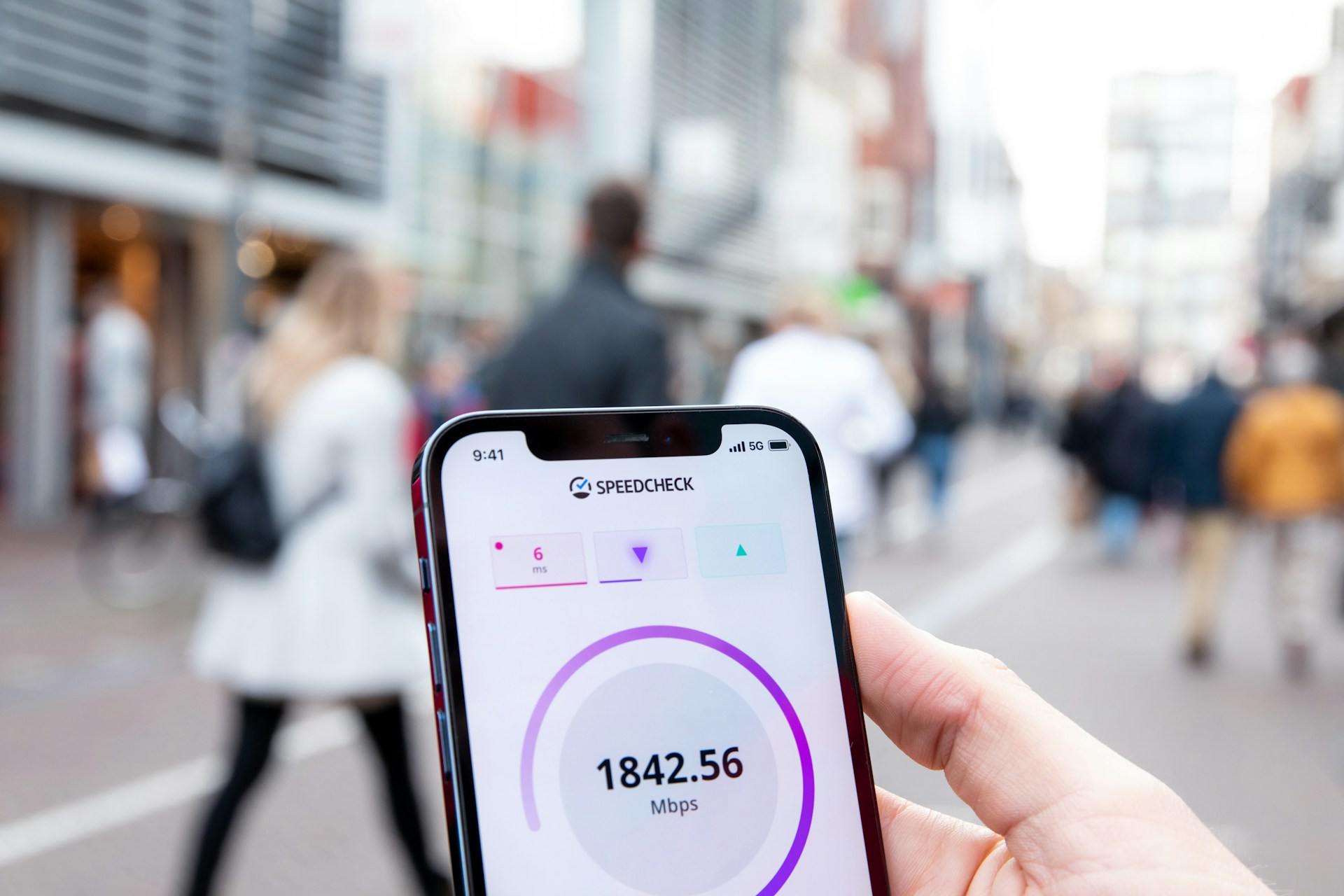
The Speed Benchmark
Let's start with some hard facts:
- 1-second delay = 7% reduction in conversions
- 2-second delay = 9% reduction in conversions
- 3-second delay = Visitors start leaving (bounce rates spike)
In ecommerce, a 100ms delay can cost you 1% in sales. For large retailers, that's millions of pounds per year.
"53% of mobile visitors leave a website if it takes longer than 3 seconds to load." — Google Research
Why Speed Impacts Your Business
1. Conversions Drop Off
People have short attention spans online. If your site takes 5+ seconds to load, most visitors won't wait. They'll click the back button and visit your competitor's site instead.
2. Google Ranks You Lower
Google explicitly uses page speed as a ranking factor. A faster site gets better rankings, which means more organic traffic. A slow site gets buried in search results.
3. Mobile Users Suffer Most
Over 60% of web traffic is now mobile. Mobile networks are slower than desktop connections, and slow mobile sites are especially painful. If your site isn't optimized for mobile speed, you're losing the majority of potential customers.
4. User Experience & Brand Perception
A slow, sluggish website feels cheap and unprofessional. Visitors assume that if your website is slow, your service probably is too. It hurts your brand before anyone even contacts you.
What Slows Down Websites?
Most slow websites have these problems in common:
- Unoptimized images — Large, high-resolution photos that haven't been compressed
- Too many plugins — Each one adds code and slows things down
- Unminified code — CSS and JavaScript that could be smaller
- Poor hosting — Cheap shared hosting with overcrowded servers
- No caching — Resources aren't cached, so they load fresh every time
- Third-party scripts — Analytics, ads, chat widgets, etc., all loading simultaneously
How to Test Your Website Speed
Want to know how fast (or slow) your site really is? Use these free tools:
- Google PageSpeed Insights — Go to pagespeed.web.dev, enter your URL, and Google will score your site and give recommendations
- GTmetrix — More detailed metrics and waterfall charts
- WebPageTest — Tests from multiple locations around the world
Aim for a Load Time under 3 seconds, ideally under 2 seconds on mobile.
Speed Optimization Best Practices
Here's what you should do to improve speed:
- Compress images — Use tools like TinyPNG or Squoosh before uploading
- Choose good hosting — Shared hosting is cheap but slow. Managed hosting (like ours) is faster
- Use a CDN — Serves your content from servers closer to your visitors
- Enable caching — Your hosting provider should handle this automatically
- Minimize plugins — Only install what you actually need
- Lazy load images — Load images only when they're about to come into view
At Urban Web Creation, all our hosting plans include automatic caching, image optimization, and CDN support to keep your site blazing fast.
The Bottom Line
Website speed directly impacts your bottom line. Faster sites convert better, rank better, and look more professional. If you haven't tested your site's speed recently, do it today. The results might surprise you—and they might also reveal easy wins you can implement immediately.
If your site is slow and you're not sure how to fix it, that's where we come in. Our team can audit your site, identify the bottlenecks, and implement optimizations to get you back in the fast lane.